
Kinomap Trainer Review
For the last two weeks I have been exercising using the Kinomap Trainer. It is a new app that aims to enhance indoor training sessions on a
treadmill, cycling or rowing machine. It is designed to be used on a tablet or smartphone.

part of Kinomap’s video sharing platform that encourages contributors from
around the world to share their favourite geolocated videos. There are
many routes from around the world. One of my favourites is the London Marathon route. The app provides access to thousands
of videos posted by other users, including the Seine in Paris and some of the routes from the Tour de
France. So workouts will never be boring as you can choose a different route each time.


displays up to five panels that include the video itself, a map displaying a
moving icon showing the user’s position in either a terrain or satellite view,
the elevation profile, description or the complete dashboard. The apps can also
sync with Apple TV enabling the videos to be viewed on a larger screen.
receiver and sensors to synchronise your performance with the videos. These can be quite expensive but can be bought from places like Amazon. These collect and wirelessly transfer data. They enable your smartphone or tablet to receive the rhythm, speed and stride power data being
applied and compare it to the video. They work in a similar way to the Wii sensor bar and Xbox kinect that picks up your movements. It is also possible to cycle the same
route as friends allowing users to chat as they cycle or race to the finish
line! Which is great if you and your friends are very competitive.


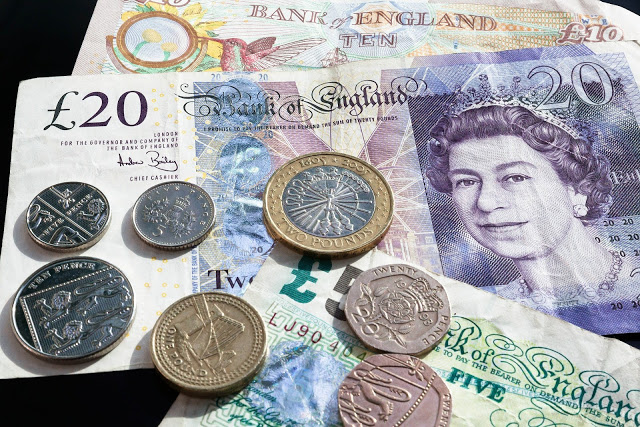
The app is subscription based and you can either pay for it monthly or yearly, there are also packages you can purchase. Prices start from £7.99. It could work out a pretty expensive app if you don’t work out regularly but it may also be a cheaper alternative than going to the gym and if the cost would be something that would encourage you to use the app more then I’m all for it. But I think it really depends on you and only you can say whether or not its the best suitable app for you and your exercise plan.
I really like the app. I think its great and you can use it whilst using a treadmill and rowing machine too. It certainly helps to pass the time as you have the screen to focus on. I hate exercising and find it hard to get motivated to do it and yet I know I need to in order to fit into my wedding dress next year, so this was just the kick start I needed.
I would say that the app is quite expensive to set up as you do need to pay for the receiver and sensor and the monthly / yearly fee for the app but if you are a serious trainer then I think the costs wouldn’t out weigh what you would gain from the app. If your a casual user then the app probably isn’t for you.