Ways to Enhance Your Work From Home Experience
In the era of remote work, crafting the perfect work-from-home space can transform your productivity and well-being. Whether you’re a seasoned home office user or newly navigating the remote work landscape, creating an environment that fosters productivity and comfort is crucial. This blog post will explore how to design a workspace that meets your needs with insights, practical tips, and a touch of humour. Let’s get started on transforming your home into a productive workspace paradise!
Why Your Home Office Setup Matters
An effective home office setup isn’t just about aesthetics; it’s about creating a functional and inspiring space. With more people than ever working from home, the demand for productive workspaces has skyrocketed. A well-thought-out home office can make a significant difference in your work performance and mental health. It can help you focus, stay organised, and maintain a healthy work-life balance.
Consider the environment you’re creating for yourself. Are you surrounded by clutter or chaos? Or is your workspace neatly organised and inviting? An orderly environment can reduce stress and help you maintain a positive mindset throughout your workday. Investing time and effort into designing your home office will pay off in increased productivity and job satisfaction.
Choosing the Right Location
Finding the right location for your home office is essential. Ideally, it should be a quiet area where you can focus without distractions. This might be a spare room, a corner in your living room, or even a dedicated space in your bedroom. The key is to create a physical boundary that signals to your brain that it’s time to work.
When selecting a location, consider the lighting and noise levels. Natural light can boost your mood and energy levels, so try to position your desk near a window if possible. Additionally, ensure that the area is free from loud noises and disturbances, allowing you to concentrate on your tasks.
Your chosen location should also accommodate any necessary equipment and storage. Make sure you have enough room for your desk, chair, and other essentials, such as books, files, or gadgets. This will help create a comfortable and efficient workspace.
Home Office Essentials You Can’t Live Without
Every successful home office setup begins with the right essentials. These items will form the foundation of your workspace and ensure that you’re equipped for a productive day. One key element is a reliable internet connection. Slow or inconsistent internet can lead to frustration and hinder your ability to work efficiently.
Another essential is a comfortable desk chair. Ergonomics are crucial when spending long hours seated at your desk. Opt for a chair that supports your posture and has adjustable features to personalise your comfort level. This will help prevent back pain and maintain focus throughout the day.
Don’t forget about the desk itself. Choose a desk that suits your working style and offers enough space to accommodate your computer, accessories, and other necessities. A tidy, organised desk promotes a clear mind and efficient workflow.
Lighting for Productivity and Comfort
Lighting plays a significant role in your home office setup. Poor lighting can lead to eye strain, headaches, and decreased productivity. Strive for a balance of natural and artificial light to create a bright and inviting environment.
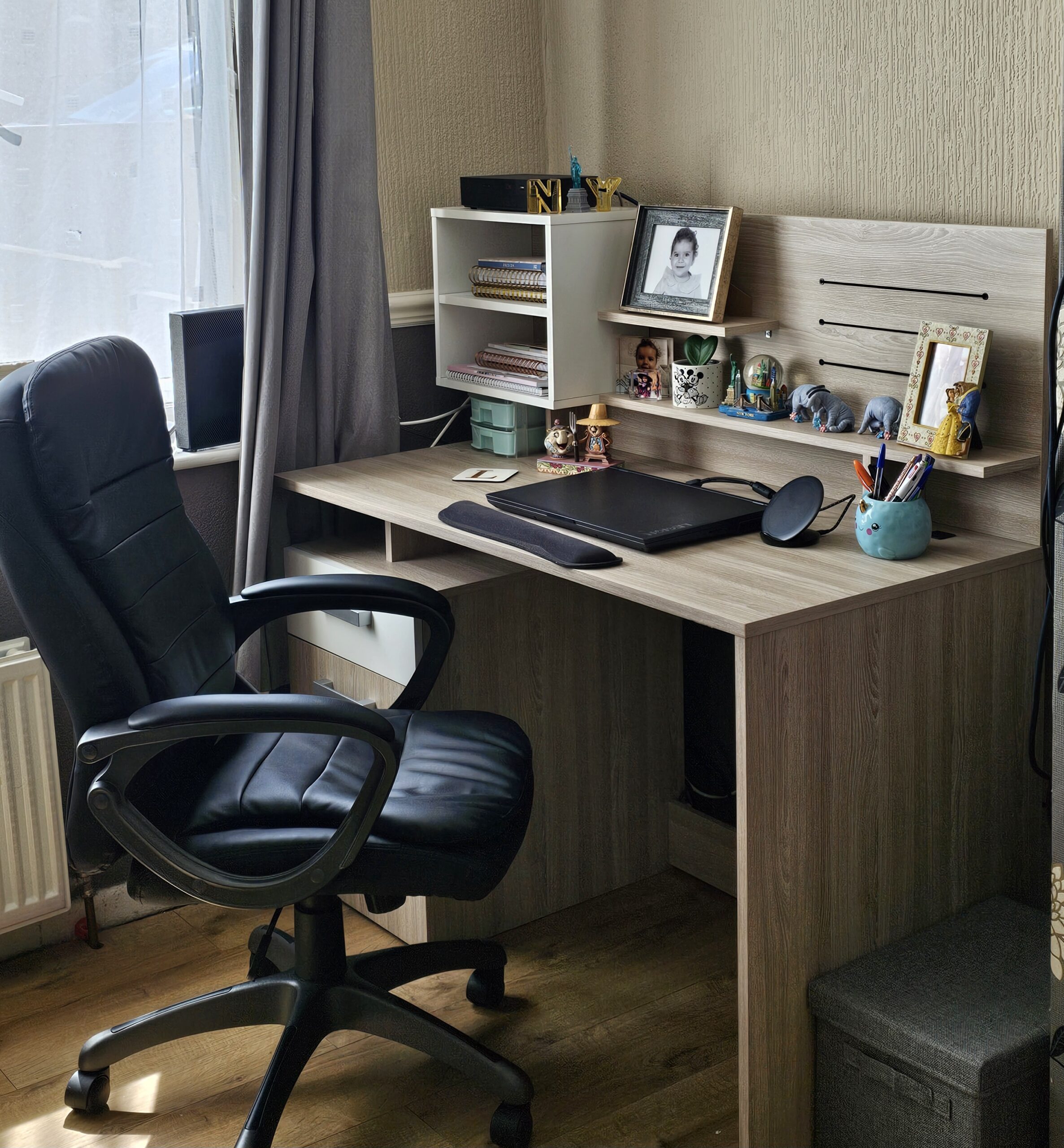
It has been shown that natural light can boost your mood and energy levels. Position your desk near a window to take advantage of daylight if possible. However, avoid sitting directly in front of or behind the window to prevent glare on your screen.
Supplement natural light with adjustable desk lamps or overhead lighting. These will help you maintain consistent lighting throughout the day, especially during darker months. Choose warm, soft lighting to create a cosy atmosphere conducive to concentration.
Organising Your Workspace for Maximum Efficiency
A cluttered workspace can hinder productivity and cause unnecessary stress. Keeping your home office organised ensures that you can focus on your tasks without distractions. Start by decluttering your desk and surrounding area, removing items that aren’t necessary for your work.
Incorporate storage solutions that suit your needs, such as shelves, file cabinets, or organisers. These will help keep your space tidy and make it easy to locate essential items when needed. Labelled folders and containers can also help keep all your work things in one place.
Establish a system for managing tasks, deadlines, and appointments. A planner, calendar, or digital tool can help you stay on top of your responsibilities and maintain a clear overview of your workload. Regularly reviewing and updating your system will ensure it remains effective.
Personalising Your Space for Inspiration
Your home office should reflect your personality. Personal touches can make your workspace a pleasant and motivating environment. Consider incorporating artwork, plants, or decor that resonates with you and adds a sense of warmth to your space.
Choose a colour scheme that promotes focus and energy, such as calming blues or invigorating greens. These hues can influence your mood and enhance your productivity. Experiment with different combinations to find what works best for you.
Display items that remind you of your goals and achievements, such as certificates, awards, or vision boards. These visual cues can boost your motivation and help you stay focused on your objectives.
Tech Tools to Boost Productivity
Technology is an essential component of any modern home office. The right tools and apps can streamline your workflow and improve efficiency. Start with a reliable computer or laptop that meets your professional needs, whether it’s handling complex software or video conferencing.
Invest in peripherals like a high-quality webcam, microphone, and headset for seamless communication during virtual meetings. These tools will ensure that you maintain clear and professional interactions with colleagues and clients.
Explore productivity apps and software that can enhance your work process. Tools like project management platforms, note-taking apps, and time-tracking software can help you stay organised and focused on your tasks.
Staying Connected with Colleagues
Working from home doesn’t mean isolation. Maintaining strong connections with your colleagues is crucial for collaboration and morale. Regular communication through video calls, instant messaging, or email can help bridge the gap and foster a sense of teamwork.
Schedule virtual coffee breaks or team-building activities to strengthen relationships and create a supportive work environment. These interactions can boost your motivation and make remote work more enjoyable.
Ensure that you’re available and responsive during working hours to maintain open lines of communication. Setting clear expectations with your team will help prevent misunderstandings and ensure smooth collaboration.
Ergonomics and Health Tips
Prioritising ergonomics in your home office setup is essential for maintaining your health and well-being. Proper posture and equipment can prevent strain and discomfort during long work hours. Adjust your desk and chair to ensure that your feet rest flat on the floor and your monitor is at eye level.
Take regular breaks and make sure you stand, stretch, and move around. Incorporating a standing desk or an ergonomic chair with a reclining function can help reduce the risk of back pain and improve circulation.
Practice mindfulness techniques, like deep breathing and/or meditation, to manage stress and maintain focus. These practices can help you stay centred and maintain a healthy work-life balance.
Balancing Work and Life at Home
Creating a clear separation between work and home life is crucial for maintaining a healthy balance. Establish a daily routine that includes designated work hours and personal time. This structure will help you transition between work and relaxation effectively.
Create physical boundaries within your home by using a dedicated workspace. This separation can help signal to your brain when it’s time to work and when it’s time to unwind.
Plan regular breaks and leisure activities to recharge and prevent burnout. Whether it’s exercise, hobbies, or spending time with loved ones, these moments are essential for maintaining your well-being.
Building a Supportive Work-from-Home Community
Connecting with like-minded individuals can enhance your remote work experience. Join online forums, social media groups, or local meetups to engage with fellow remote workers.
Participate in webinars, workshops, or online courses to expand your skills and knowledge. These opportunities can help you stay current with industry trends and boost your professional development.
Build a network of accountability partners or mentors who can offer guidance and support. Regular check-ins with these individuals can help you stay motivated and focused on your goals.
Conclusion
Creating the ultimate work-from-home space is an ongoing process that requires attention and care. By focusing on the essentials, personalising your environment, and prioritising your well-being, you can craft a workspace that supports your productivity and happiness.
Remember that each person’s needs and preferences are unique. Take the time to experiment and adjust your setup until you find what works best for you.
*I was sent a product of my choice in return for writing this post – all thoughts and opinions expressed are my own