

Kurio Pocket – What Do We Think Of It
You may remember that just before Christmas I told you that we had recently been chosen as Kurio Ambassadors and had been sent the Pocket Kurio Tablet for the boys to review. My first post showed us unwrapping the tablet and my first thoughts about it. Since that post the boys have been using the tablet and you can see what we all thought of the tablet below.

I love that the tablet is uber easy to set up when you first switch it on – so even if you aren’t as tech savvy as your children you can navigate your way around the tablet easily. You can add four different profiles (perfect for if you have more than one child or if they want to let a friend use it). The Kurio’s app management system allows parents to choose age-appropriate apps simply by checking the ones to allow from the master list. All approved apps will automatically appear on your child’s profile screens. You can also copy the settings from another profile.

Another thing that I love abut the Pocket Kurio is that it comes complete with the Kurio Genius Kid-Safe Web Filtering System, it gives you peace of mind and keeps your child safe online! The system has more than 450+ million websites, filtered, categorized, and is updated daily (with free auto-updates). You can choose one of the Kurio’s predefined filtering profiles or customize your own filters. The tablet has easily manageable Safe Lists and Block Lists so you can block inappropriate content and what I really like is that the strictness of the controls can be eased off as your child gets older. 
One of my favourite features on the tablet is that you can set time limits for play each day or every day of the week with just a few simple clicks! The Time control feature allows parents to define time slots when the tablet will be “usable” by the current profile. Swipe your finger to set the desired time slots. Perfect for keeping the kids off the tablet all the time. I try to make sure that the boys have a set amount of time on their consoles / tablets but sometimes it’s easy to forget what time they started playing and before you know it they’ve been on it for far too long. This way once the table is no longer useable they can’t still play on it.One of Nathan’s favourite apps is Angry Birds Epic, he plays on it whenever he is using the Poket Kurio. He said that he loves how easy the tablet is to hold in his hands and that it fits into his coat pocket so when we go out for the day he can take it with him for the boring car journey. He has personalised his profile with a picture of his choice. He loves that he can go on the internet like Callum and he is over the moon that they can both play the same games and even against each other on games such as worms.

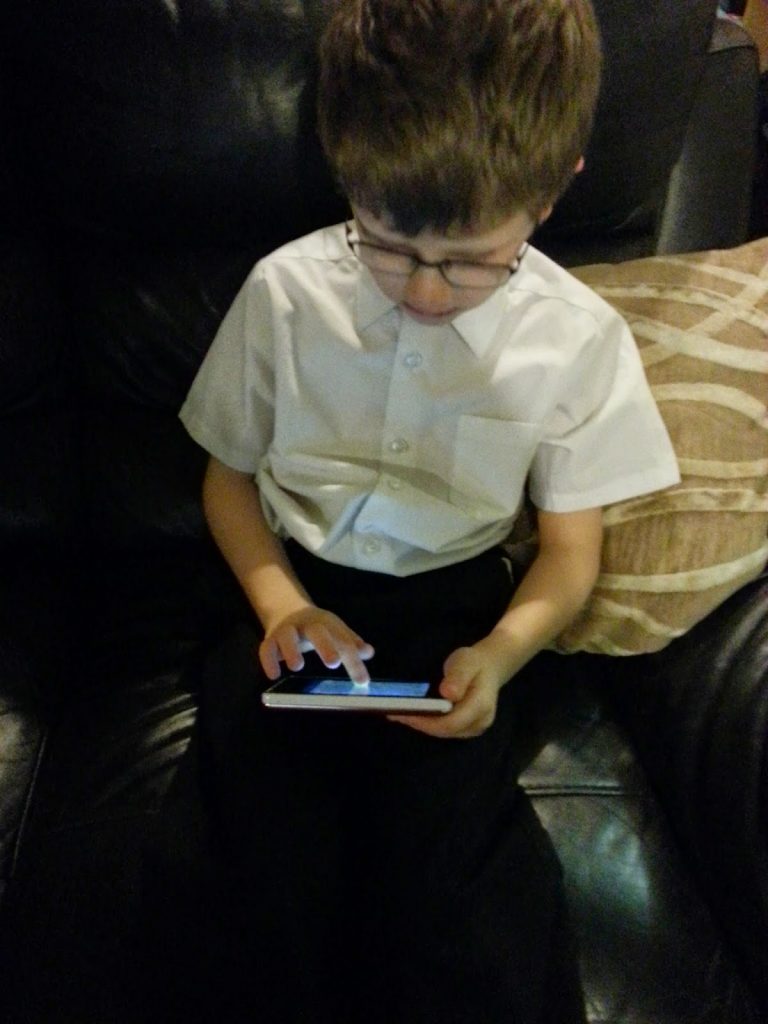
I’m highly impressed with the Kurio, it has been dropped a couple of times and withstood the impact well (not that I suggest you drop or throw it about), lets face it kids can be clumsy and they do drop things often. I like that is can be held comfortably in both mine or my child’s hands. I think that the tablet has a great battery life and can be used for up to 8 hours depending on the actual usage.
I think that the Pocker makes for a great first or travel tablet. It is ideal to take on holidays or days out and all the family can use it. The tablet is suitable for children aged 4 and over so ideal for all three of my boys. This is definitely a gadget that will be used over and over again.